Airbnb Appliance Instructions: A Host-Friendly Template
Write clear Airbnb appliance instructions guests can follow in the moment, with practical examples for heating, coffee machines, ovens, hot tubs, and more.
By myHouseGuide Editorial Team
Follow myHouseGuide:FacebookInstagram
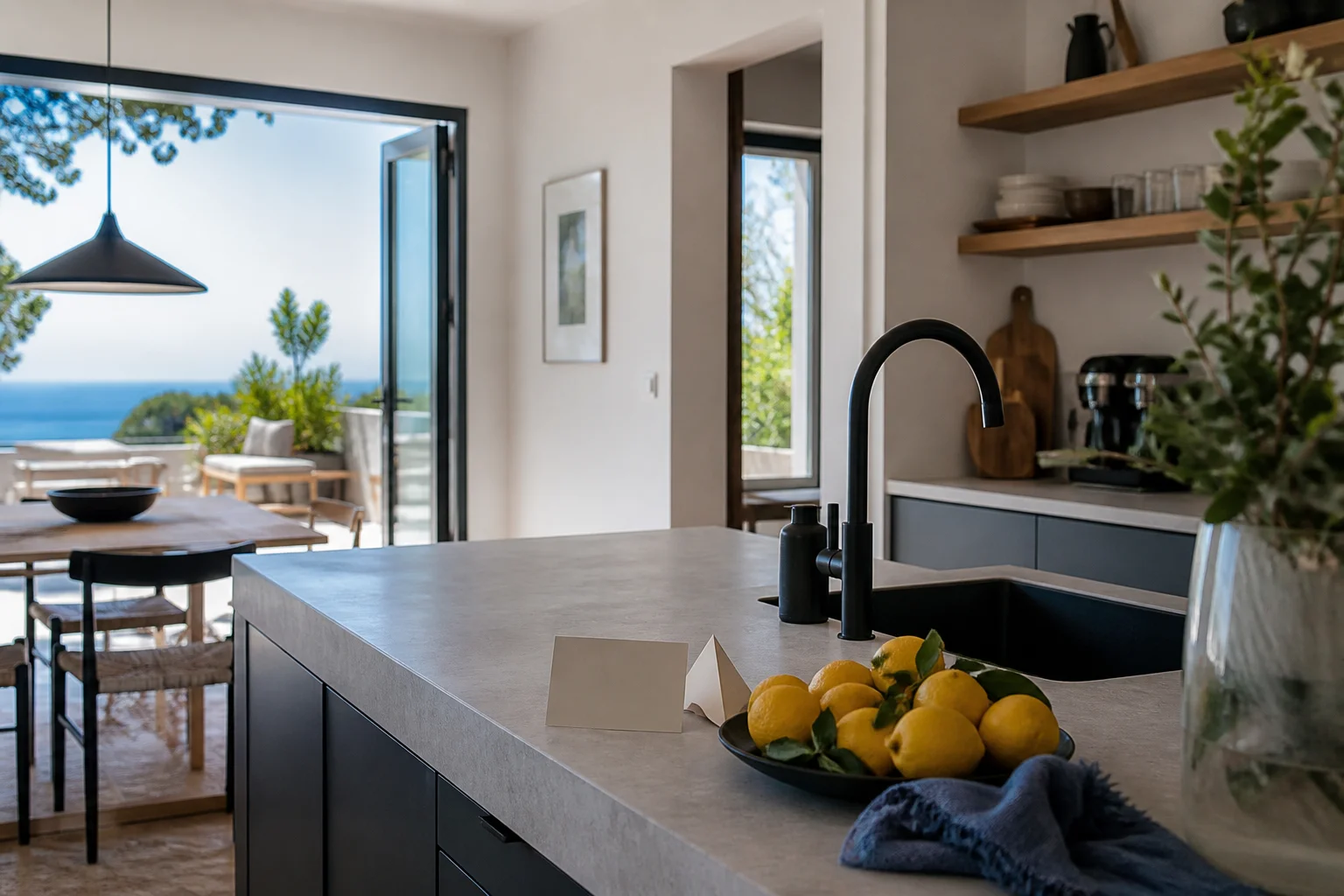
Guests rarely need a complete appliance manual. They need one clear answer while they are standing in front of the oven, thermostat, coffee machine, or hot tub.
Good Airbnb appliance instructions are short, specific to the property, and easy to scan on a phone. They tell a guest what to do first, what normal looks like, and who to contact if the appliance still does not work.
Use this simple appliance-instruction template
Copy this structure for each appliance:
[Appliance name]
- Where it is: [room, cabinet, or wall]
- Before you start: [power switch, water, fuel, or safety check]
- To use it: [three to five numbered steps]
- Normal result: [what guests should see, hear, or feel]
- When you leave: [switch off, clean, lock, or reset]
- If it does not work: [one safe check and the host contact]
Avoid copying a manufacturer manual unless a safety instruction requires it. A guest guide should explain this appliance in this property, not reproduce every feature nobody uses.
Example: heating or air conditioning
Where it is: The white thermostat is on the hallway wall beside the kitchen.
- Press the power button.
- Choose heat or cool with the mode button.
- Set the temperature with the up and down arrows.
- Leave the fan on Auto.
The system can take a few minutes to start. Keep doors and windows closed while it is running. If the screen is blank, check the small power switch beside the utility cupboard and message the host before opening the panel.
This is more useful than writing “Heating available” or linking to a twelve-page manufacturer PDF.
Example: coffee machine
Tell guests which parts matter for the model you provide:
- Fill the tank to the marked line with fresh water.
- Add coffee to the filter basket.
- Press the single-cup button once.
- Wait until the light stops flashing before removing the cup.
Add a photo if two containers look similar. Mention whether guests should empty the grounds, rinse the milk attachment, or leave the machine switched on.
Example: oven or induction hob
Name the control rather than relying on an icon guests may not recognise.
- The oven power switch is on the wall to the left of the counter.
- Turn the left dial to the fan symbol for the oven mode.
- Turn the right dial to the temperature.
- Wait for the orange light to turn off before putting food in.
- The induction hob only works with the pans stored in the lower drawer.
Include the one quirk that causes confusion, such as a separate isolation switch or a child lock. Do not tell guests to bypass a safety feature.
Example: hot tub or pool equipment
Put safety before convenience. Explain who may use it, the permitted hours, the cover, the temperature limit, and what to do if the water looks unusual.
Keep electrical, chemical, and maintenance instructions limited to safe guest actions. Tell guests to contact the host for alarms, leaks, damaged covers, or anything that requires opening a panel.
Use photos and short videos carefully
A labelled photo is useful when a switch, valve, or remote is hard to find. Add an arrow or a short caption such as “Use this switch, not the one beside it.”
Use video for a sequence that is difficult to describe, such as opening a concealed lockbox or starting an unusual coffee machine. Keep the written steps too, because guests may have poor signal, sound turned off, or accessibility needs.
Put instructions where guests look for them
Place the most-used instructions near the top of the digital guide and group the rest by room or task. Link appliance instructions from the arrival and house-basics sections when a guest might encounter the same question there.
An Airbnb house manual gives guests one place to find these instructions. A digital guide also lets you correct a setting or replace a recommendation without reprinting the whole binder.
Final checklist
Before publishing, ask someone unfamiliar with the property to:
- Find the appliance without help
- Start it using only the instructions
- Tell you what to do if it fails
- Find the host contact and emergency information
If they hesitate, replace a vague sentence with a location, an action, or a labelled photo. The best instruction is the one a tired guest can follow without sending another message.